Dripzels vs Bloxiana: Which Roblox Clothing Preview Should You Use?
If you make Roblox clothing, you want to see it on an avatar before you pay the upload fee. Two free sites people use for that are Dripzels and Bloxiana. We make Bloxiana, so keep that in mind. To keep it fair, we loaded the same shirt and pants template into both on 28 November 2026 (Dripzels was on v3.2.1) and wrote down what each one could and couldn't do.
The short version: Dripzels is a quick, minimal template preview with scene controls, plus an advanced-to-standard template converter and a public showcase gallery. Bloxiana Avatar Studio is the one to use if you want your clothing on a real Roblox avatar, next to catalog items, moving, or exported as a proper 2D render.
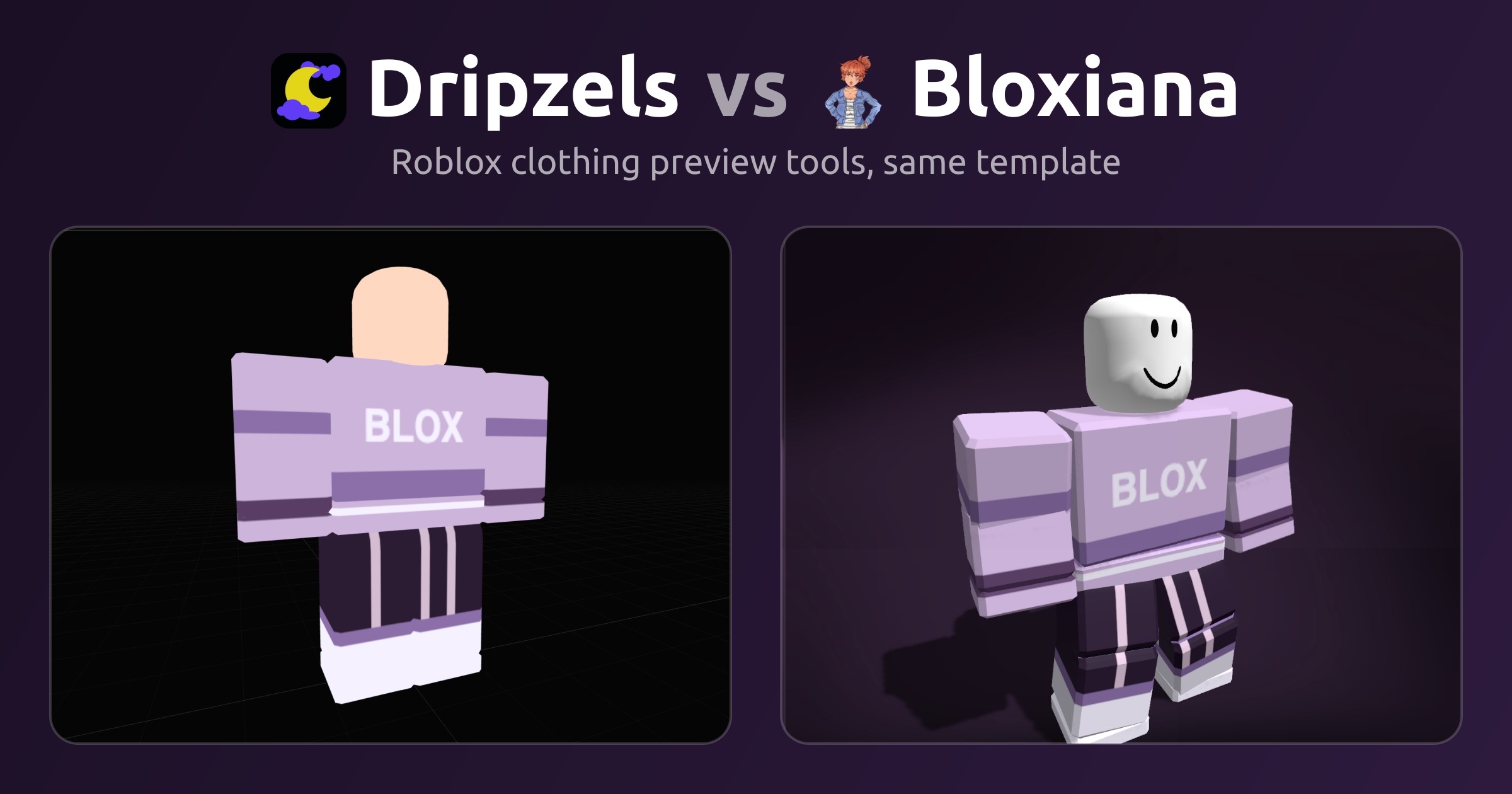
The same template in both
This is one classic shirt and pants template (585×559 PNG) on a blocky R15 body in each tool.
And the full screens:
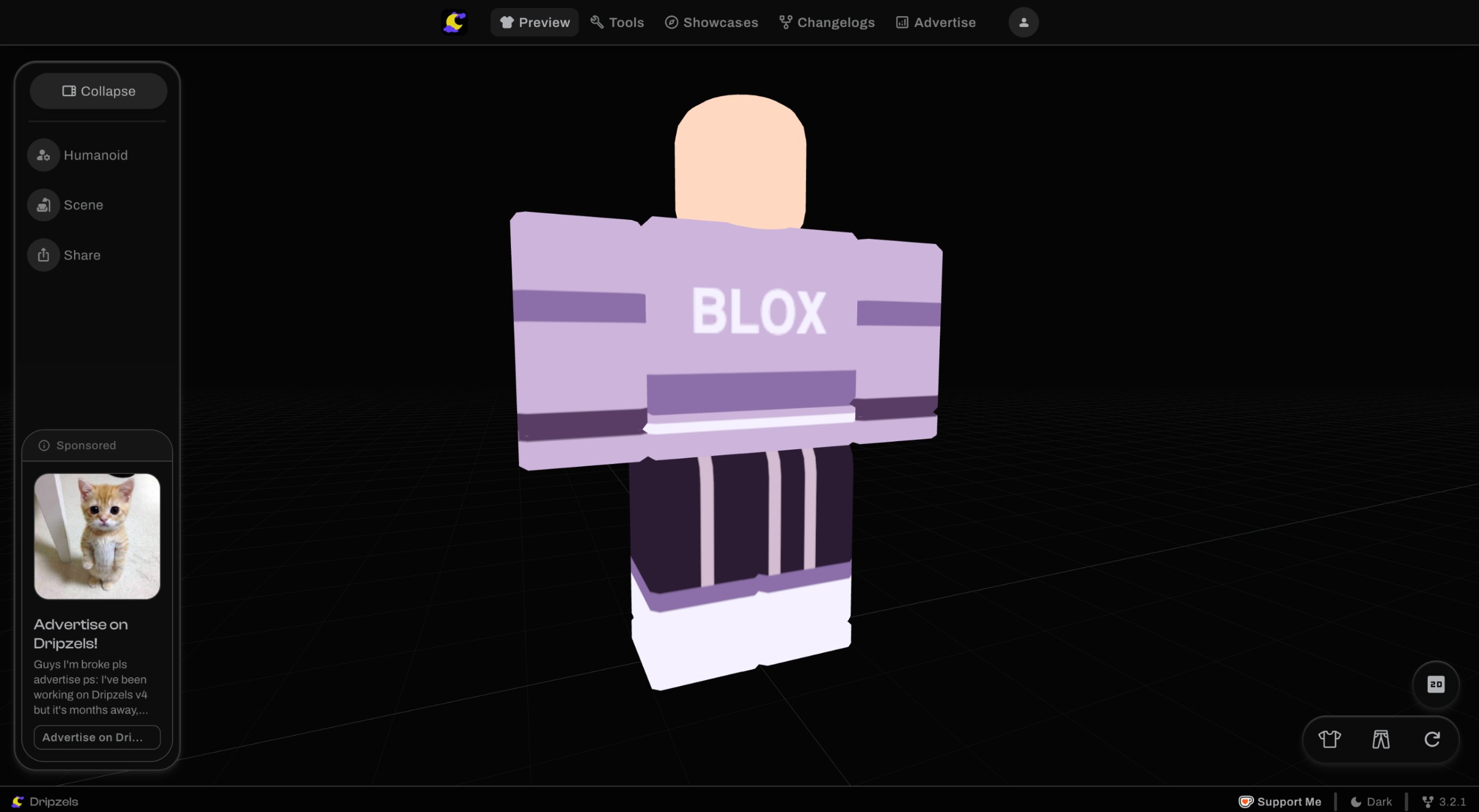
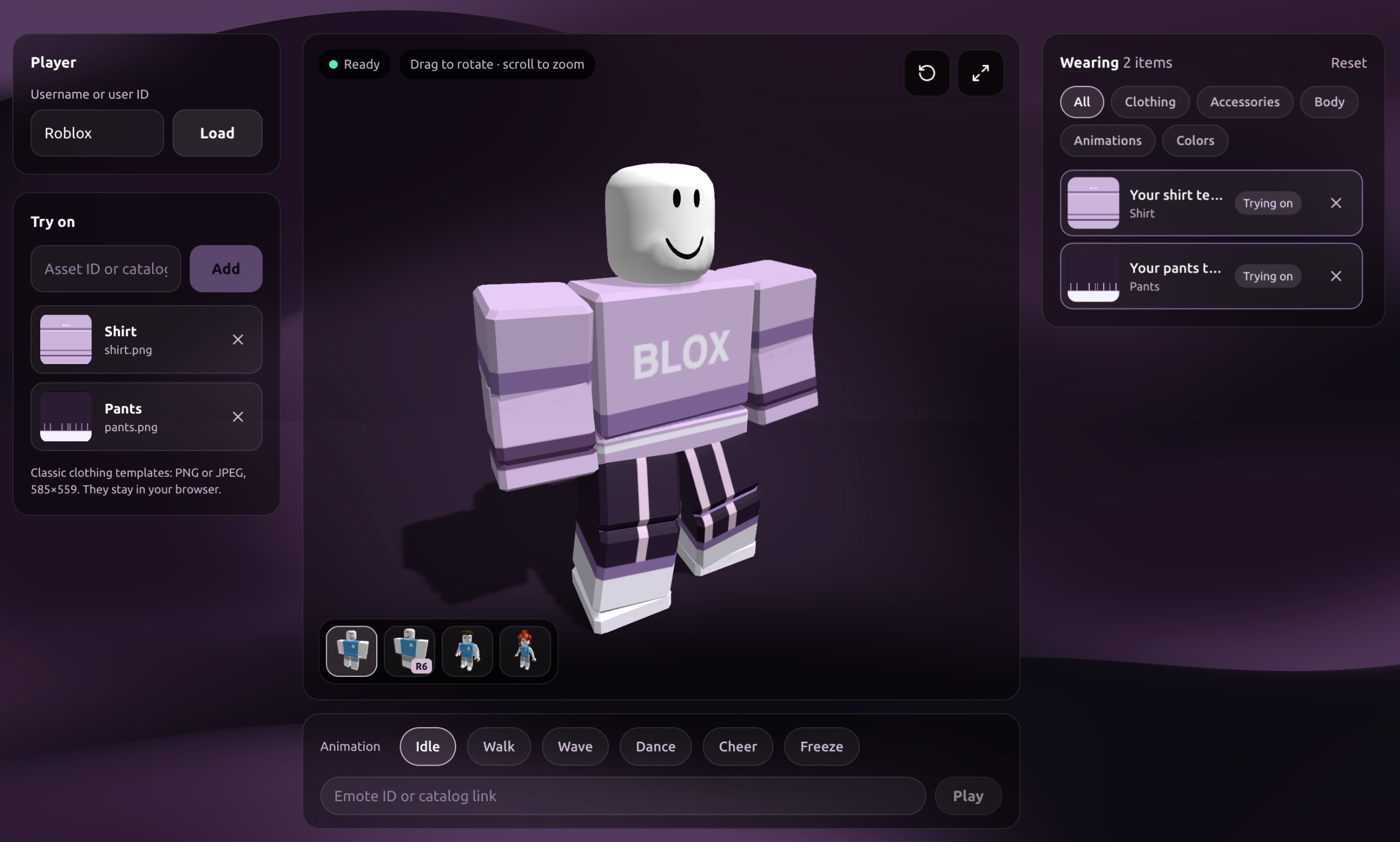
Both wrap the template correctly. Dripzels uses a plain head on a grid floor, with a sidebar for body type, scene and sharing. Bloxiana puts it on a full avatar with a face and lists everything the avatar is wearing on the right, so you can take items off or add new ones.
Feature comparison
| Dripzels Clothing Preview | Bloxiana Avatar Studio | |
|---|---|---|
| Price | Free | Free |
| Account needed to preview | No | No |
| Templates stay in your browser | Yes | Yes |
| Classic shirt and pants preview | Yes | Yes |
| Preset bodies | Blocky R15, Woman 1, Woman 2 (Blocky R6 shown but greyed out when we tested) | Blocky R15, Blocky R6, Man, Woman |
| Load a real player's avatar | No | Yes, by username or user ID |
| Try on catalog items and bundles | No | Yes, by asset ID or catalog link |
| Layered clothing, accessories, dynamic heads | No | Yes |
| Animations and emotes | No | Idle, walk, wave, dance, cheer, or any emote ID |
| Body colors | Not that we found | Yes, part by part |
| Scene controls | Background color, grid, grayscale, field of view, projection, lighting | Rotate, zoom, full screen |
| 2D export | Flat front and back showcase image | PNG or WebP up to 2048 px, full body, bust or head, transparent, color or image background |
| Share link for a design | Yes (Showcases) | No |
Where Dripzels is better
- The page opens straight onto the avatar, with very little else on screen.
- Its scene settings (field of view, projection, lighting, grayscale and per-limb visibility) help when you want a clean screenshot or need to check shading.
- If you design on an advanced template, the Dripzels Template Converter splits it into standard shirt and pants files. Bloxiana can't do that.
- You can publish a design to the Showcases gallery and share it with a link.
Where Bloxiana is better
- Type any username and Avatar Studio loads that player's avatar, with their body shape, head and accessories, and puts your template on it. A shirt that looks fine on a plain blocky body can look off under a jacket or long hair, and you'll see that before you upload.
- Paste an asset ID or a catalog or bundle link to see your shirt with the pants, hair or accessories you plan to sell it with.
- Play the walk or dance animation, or any emote, to see how the template stretches at the shoulders and hips. That's where most seams show.
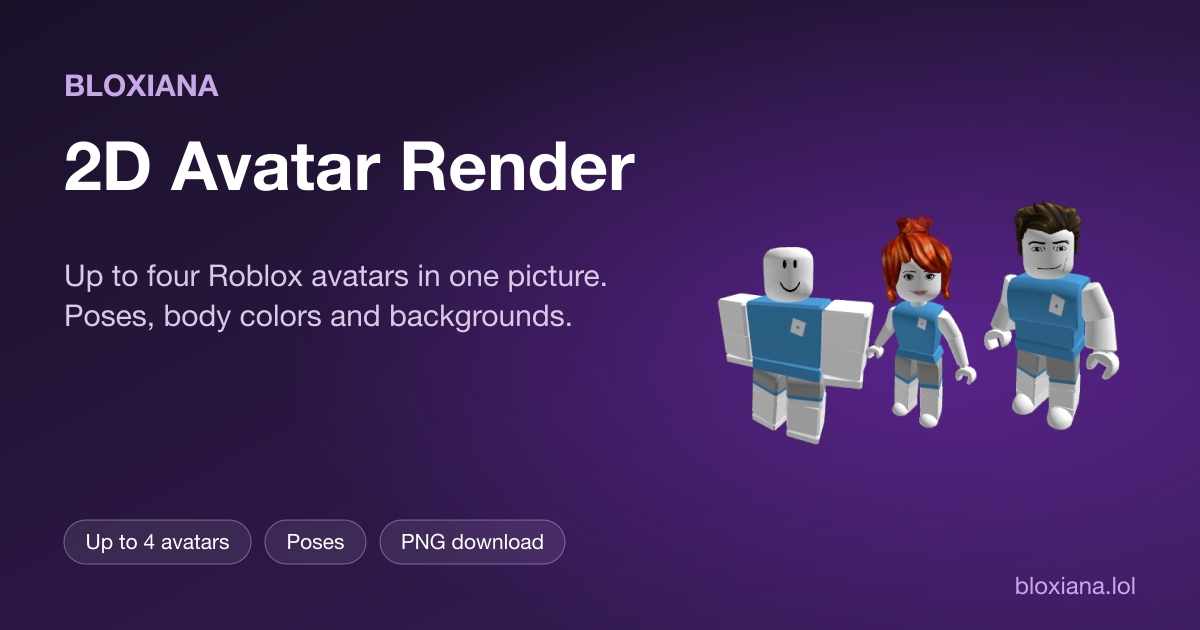
- The render button saves a PNG or WebP up to 2048 px with a transparent background, which you can drop straight into a group store, a thumbnail or a showcase post. For group shots, 2D Avatar Render fits up to four avatars in one picture.
- Bloxiana also has tools for the upload itself. The Template Checker catches a wrong size or a missing transparent area before Roblox rejects the file, and the Robux Tax Calculator works out what a shirt pays you after the marketplace cut and the 10 Robux upload advance.
Which should you use?
For a quick look at a template, either one works, and Dripzels is a bit quicker to get to. If you design on an advanced template, convert it with the Dripzels Template Converter first and then test the result in both.
If you sell clothing and care how it looks on the people who buy it, use Bloxiana, since it can load real avatars and real catalog items. The same goes for store and social images: use Avatar Studio's 2D render, or 2D Avatar Render for group shots.
Nothing stops you from using both. Try your next template in Avatar Studio and see which one you end up using. If you're also looking at Customuse, we compared it the same way in Customuse vs Bloxiana.
FAQ
Is Dripzels free?
Yes. The clothing preview, template converter and Robux calculator cost nothing. Dripzels runs on a sponsor slot and Ko-fi donations.
Is Dripzels safe to use?
Dripzels says its preview runs in your browser, and you can preview a template without signing in. Never give any previewer your Roblox password or cookie, because it has no reason to ask for them. Bloxiana Avatar Studio works the same way: your templates stay in your browser and you don't need an account.
What is a good Dripzels alternative?
Bloxiana Avatar Studio, at bloxiana.lol/clothing/studio. It previews classic shirt and pants templates the way Dripzels does. It can also load a real player's avatar, put catalog items and bundles on it, play emotes and export a 2D render.
Can Dripzels convert advanced templates?
Yes. Its Template Converter turns an advanced template into separate standard shirt and pants templates. Bloxiana has no converter. The closest thing is the Clothing Template Checker, which checks and fixes the size, file type and transparency of a standard template.
Which one shows my clothing on my own avatar?
Bloxiana. Type a username or user ID into Avatar Studio and it loads that player with their body, head, accessories and layered clothing, then puts your template on top. Dripzels only uses its own preset bodies.